-
 Redaction
The guide to reading code you didn't write
Unlock the most undervalued skill in software engineering. Learn how to navigate legacy codebases, use debuggers effectively and master code comprehension today
The brutal reality of the reading-writing ratio
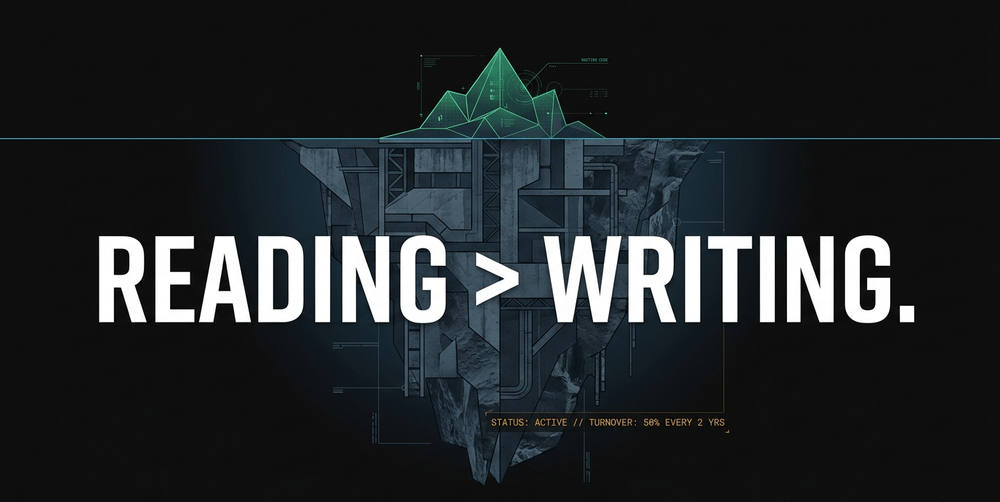
Most junior developers enter the industry under the delusion that their primary value lies in typing new characters into a text editor. The industry's marketing machine reinforces this by treating "learning to code" as synonymous with "writing syntax." The hard data tells a different story, and it hasn't gotten any friendlier in 2026.
According to Robert C. Martin in Clean Code, "the ratio of time spent reading versus writing is well over 10 to 1. We are constantly reading old code as part of the effort to write new code." In complex enterprise environments, independent analysis suggests this ratio can stretch as high as 200 to 1. If you are a professional developer, your job is not writing code. Your job is reading code and occasionally adding a few lines where they won't break anything.

The numbers behind a developer's actual workday are illuminating, and every fresh study seems to push the "writing code" slice smaller rather than bigger. Multiple studies estimate that developers spend between 58% and 70% of their time understanding source code. Atlassian's 2025 State of Developer Experience report, built on IDC survey data, puts the figure for pure "actual coding" at just 16% of a developer's day. Research tracking IDE interactions across hundreds of development sessions found that understanding accounted for 70% of recorded activity, followed by UI interactions at 14%, editing at just 5%, and navigation at 4%. A separate 2025 analysis of nearly 12,000 tracked coding sessions found developers spent just 1.4% of their active time in a debugger - the rest was console.log statements and manual reproduction, which tells you something uncomfortable about how much "reading" actually happens through trial and error rather than proper tooling.
According to a 2024 Developer Survey, developers spend only 24% of their time actually writing code. The rest goes to design, testing, debugging, and meetings. This disparity exists because software is a living organism. When you join a team, you are stepping into a narrative written by dozens of people, many of whom have already left the company.
Why reading code is a distinct cognitive discipline
Reading code is not the same as reading a novel or a technical manual. It is not even the same as reading mathematics.
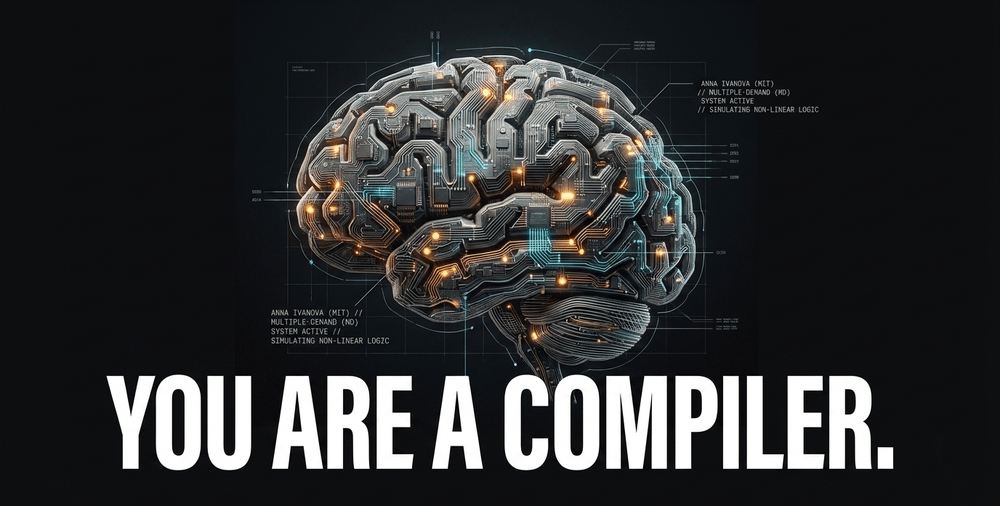
Research by Anna Ivanova and colleagues at MIT found that code comprehension activates the multiple demand network - a set of bilateral frontal and parietal brain regions typically recruited for tasks requiring attention, working memory, and cognitive control. Crucially, it does not consistently activate the language-processing regions of the brain. Although reading computer code activates the multiple demand network, it appears to rely on different parts of the network than math or logic problems do, suggesting that coding does not precisely replicate the cognitive demands of mathematics either.
As Ivanova put it directly: "Understanding computer code seems to be its own thing. It's not the same as language, and it's not the same as math and logic."
This is why you feel mentally exhausted after two hours of exploring a legacy codebase. You are not just reading; you are simulating a machine in your head. You are tracking state, predicting branches, tracing data transformations - all in working memory, all simultaneously, all while trying to hold an incomplete picture of a system you have never seen before. Later research from MIT's CSAIL went further, finding that dynamic aspects of code - like understanding how many times a loop will execute given a specific input - are encoded much better in the multiple demand network than in the language centres. The brain is doing something genuinely novel when it reads code.
Understanding code is essentially debugging under pressure. You are looking for where the logic diverges from the intended outcome. Without strong comprehension skills, you cannot find side effects, you cannot identify hidden assumptions, and you certainly cannot fix bugs without introducing three more. Writing code makes you feel like a developer. Reading code is what actually makes you one. It exposes you to different thought processes, architectural patterns, and edge-case handling that your own limited experience would never suggest.

The high-turnover problem
Here is a structural reality that makes code reading even harder: the people who wrote what you are reading are probably gone.
Software engineering remains among the top three roles with the highest turnover worldwide, averaging 23-25% annually - nearly double the cross-industry median. Zippia's analysis of approximately 103,000 software developers found that 45% have an average tenure of 1 to 2 years, with 69% having a tenure of less than 2 years. At the largest tech companies, tenure gets even shorter. Average tenure at Google, for instance, has been reported at around 1.1 years. Teams with high turnover accumulate 37% more technical debt and spend 22% more time debugging than stable teams.
What this means in practice is that every codebase is a graveyard of decisions made by people who no longer work there. You are constantly dealing with the "ghosts" of past developers - their naming conventions, their architectural choices, their half-finished abstractions, their urgent hacks that became permanent fixtures. Code comprehension is not merely a nice skill to have. It is a fundamental survival skill for anyone who wants a sustainable career in software.
And the knowledge loss is steep. Organizations lose an average of 42% of project-specific knowledge when turnover exceeds 20% per year. That loss lands squarely on whoever comes next - and that person will need to reconstruct intent, context, and rationale from code alone.

The strategic approach to orientation
When faced with 50,000 lines of unfamiliar JavaScript or C++, do not aim for full comprehension immediately. That is a recipe for burnout.
Your first goal is orientation. You need a rough mental map, not a line-by-line understanding. Start by skimming the directory structure. Look for the bones of the project. Is it a model-view-controller (MVC) architecture? Are there clear boundaries between the API layer and the database logic? Are the tests organized to mirror the source structure? Identifying these major components lets you ignore 90% of the files while you focus on the 10% that matter for your current task.
Identify the entry points
Execution in modern software rarely starts at the top of a file and ends at the bottom. You must find the entry points.
If you are working on a web application, find the route handlers. If it is a CLI tool, find the main function. If it is a front-end component, find the event listeners. Once you locate where the user interacts with the system, you can follow the thread of execution: trace data from the input (a button click, a form submission, an API call) through the validation logic, into the service layer, and down to the persistence layer. This "vertical slice" of understanding is infinitely more valuable than a horizontal, superficial scan of the entire repository.
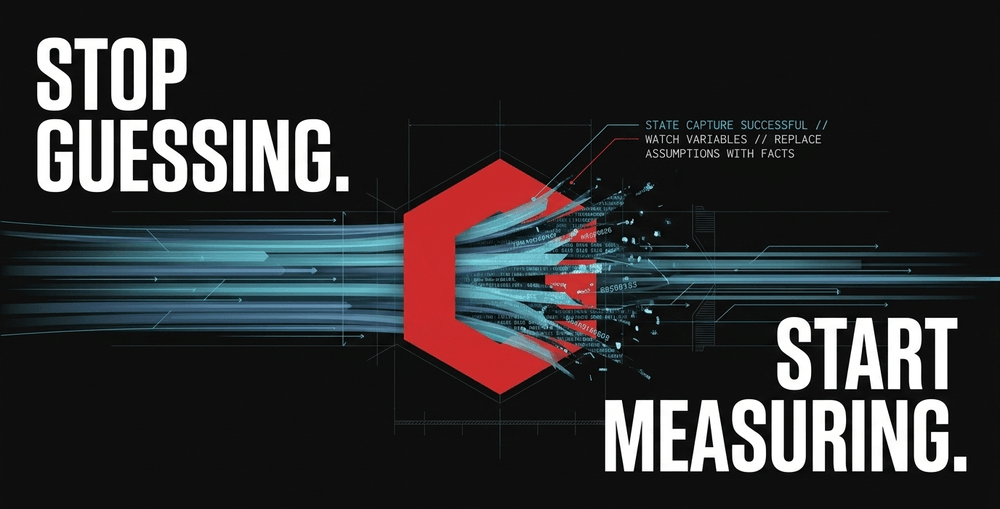
A good debugger accelerates this process enormously. Set breakpoints at the entry points you identified. Step through the execution line by line. Watch how variables change. Seeing the data evolve in real time replaces abstract assumptions with concrete facts - and that distinction is the difference between guessing what code does and knowing what code does. It's worth noting that most developers skip this step entirely: the same session-tracking research mentioned earlier found debugger usage sitting at barely over 1% of active coding time, with the rest of "debugging" happening through scattered print statements. That's not a badge of honour. A debugger you actually use will orient you faster than an hour of squinting at logs.

Leverage documentation and comments
While many developers pride themselves on "self-documenting code," the reality is rarely so clean. Review the README, the API documentation, and the inline comments. These are the artifacts of the original developer's intent. Even if the comments are outdated, they tell you what the author thought they were doing at the time.
This historical context is vital for understanding why certain hacks exist. If a comment says "Fixes weird race condition in Safari," do not delete that logic just because it looks messy. It exists for a reason that may not be apparent in your current development environment.
Use logging as a last resort
If a debugger is too heavy or the environment makes it impractical, use logging. Print the state of objects at various points in the logic. It is a blunt instrument compared to a debugger, but a blunt instrument beats pure speculation every time. The goal is always to transform abstract assumptions into observable facts as quickly as possible.
Characterization tests as a safety net
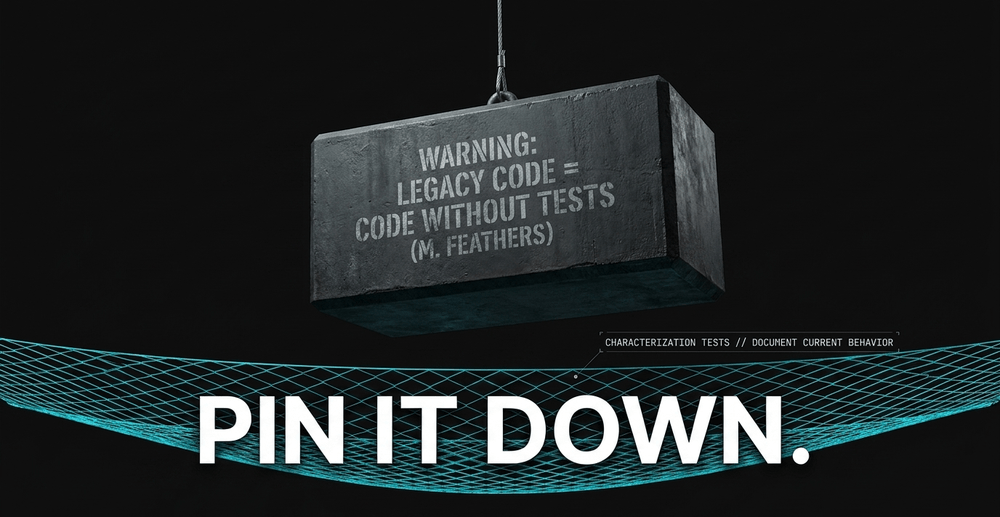
Michael Feathers defines legacy code as "code without tests." The full quote from Working Effectively with Legacy Code is stark: "Code without tests is bad code. It doesn't matter how well written it is; it doesn't matter how pretty or object-oriented or well-encapsulated it is. With tests, we can change the behavior of our code quickly and verifiably. Without them, we really don't know if our code is getting better or worse."
When you encounter an untested codebase, your first move should be to write characterization tests. These are not unit tests designed to prove the code is correct. Instead, they document what the code actually does right now. You take a snapshot of its current behavior and pin it down. If you make a change and the characterization test fails, you know exactly what side effect you triggered. This practice provides a level of confidence that reading alone can never provide.
The distinction matters enormously:
- A traditional unit test asks: does this function behave correctly?
- A characterization test asks: what does this function actually do, regardless of whether it should?
In a codebase you do not fully understand, the second question is more immediately useful. Feathers himself described characterization testing as "the process of going and writing tests to understand what the code does" - not to prove it is right, but to document that it is consistent.
Mastering the history with version control
Code is a historical document. git blame and git log are some of the most underused tools in a developer's arsenal.
If a block of code looks nonsensical, check the commit history. The commit message often explains the why behind the what. You might discover that a bizarre conditional was added to handle a specific edge case for a major client three years ago, or that a seemingly redundant check was the fix for a regression that took two engineers a week to track down.
git blame also tells you who wrote the code. If that person is still at the company, you now know exactly who to ask for a 15-minute briefing. Never spend three hours struggling alone with something that a teammate could explain in three minutes. The social capital cost of asking is almost always lower than the time cost of not asking.

The art of scratch refactoring
Sometimes the only way to understand a mess is to clean it up - temporarily.
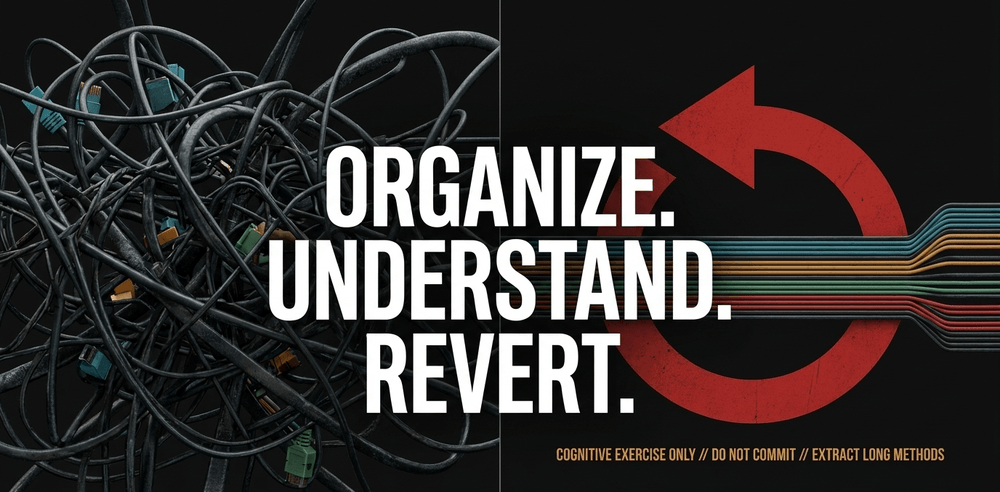
Michael Feathers describes a technique called "scratch refactoring," where you refactor quickly without worrying about whether you are introducing bugs in order to see where you want to go - but then you completely throw away those changes.
In practice, this looks like: rename cryptic variables like x or data to something descriptive. Extract long, 200-line functions into smaller, named methods. Simplify complex if-else chains. The key constraint is to never commit these changes. This is a purely cognitive exercise. By forcing yourself to reorganize the code into a cleaner structure, you force your brain to understand the underlying logic. Once the "aha!" moment hits, revert the changes with git reset --hard and apply your new understanding to the actual task at hand.
It is a useful discipline to take notes during a scratch refactoring session - anything that was not immediately obvious, any assumption that turned out to be wrong, any module boundary that was hidden by poor naming. These notes become the foundation for doing the real work properly afterward. If you want a related read on how comprehension habits shape long-term code quality, our piece on writing maintainable code from day one covers the flip side of this problem - how to avoid handing the next developer a mess in the first place.
The AI factor: more code, harder comprehension
The challenge of reading code is not getting easier. If anything, 2026 is the year the bill for the AI coding boom started arriving in full.
The AI code generation market was valued at $4.91 billion in 2024 and is projected to reach $30.1 billion by 2032, growing at a 27.1% compound annual growth rate. Around 41% of all committed code is now AI-assisted, and GitHub reports over 90% of developers at some organizations use an AI coding assistant regularly. Google reports that 25-30% of its new code is AI-generated. These are not incremental numbers. This is a structural shift in how software gets built.
But the quality picture is messier than the productivity headlines suggest, and the data keeps getting worse rather than better. GitClear's expanded analysis of over 211 million changed lines of code found that duplicated code blocks rose eightfold in 2024 compared to the pre-AI baseline, while refactoring's share of all code changes collapsed from 25% in 2021 to under 10% by 2024. Developers and their AI assistants are overwhelmingly choosing to add new code rather than improve existing code - copy-pasted lines climbed from 8.3% of commits to 12.3% over the same window.
A large-scale empirical study published in early 2026, which examined over 300,000 verified AI-generated commits across more than 6,000 GitHub repositories, identified nearly half a million distinct technical issues introduced directly by five widely-used coding assistants. Maintainability debt - the kind of code smell that doesn't crash anything today but makes every future change miserable - accounted for roughly 89% of all AI-introduced issues. And the debt doesn't get cleaned up: the same research tracked surviving unresolved issues climbing from a few hundred in early 2025 to over 100,000 by February 2026.
The numbers on downstream cost are just as blunt:
- A 2026 analysis spanning 8.1 million pull requests across 4,800 engineering teams found AI-generated code introduces 1.7 times more issues per pull request than human-written code.
- Technical debt increases by 30-41% in the year following widespread AI tool adoption.
- Unmanaged AI-generated code can drive maintenance costs to four times traditional levels by the second year, as compounding debt outpaces the productivity gains that justified adopting the tools.
- Forrester predicts 75% of technology decision-makers will face a moderate-to-severe technical debt burden by the end of 2026, with AI adoption cited as a primary driver.
Developer trust in AI tools tells its own story. According to Stack Overflow's year-over-year survey data, positive sentiment toward AI tools dropped from over 70% in 2023, to 40% in 2024, to just 29% in 2025. Google's own 2025 DORA report - based on survey data from nearly 5,000 developers - found that while 90% of technology professionals now use AI daily, only 24% report a "great deal" of trust in its output, and AI adoption correlates with both higher throughput and higher software delivery instability. The top developer frustration remains the same: technical debt is the number one source of pain, and debugging AI-generated code is now widely reported as more time-consuming than writing the equivalent code by hand.
The implications for code comprehension are significant. AI tools excel at generating syntactically correct code quickly. They struggle with the deep contextual understanding required to maintain a complex system over years - to know that a particular function is never called directly but exists as a contract for a scheduler that runs at 3am, or that a seemingly redundant null check is there because a third-party library behaves unexpectedly under load. The maintenance burden of AI-generated code is falling on the fewer engineers who understand and care, while the task of refactoring bloated codebases and reducing complexity is left to those still sufficiently in touch with the broader system. Senior engineers now report spending 20-35% more time on code review specifically because junior developers lean on AI output they haven't fully verified themselves - which, if you think about it, is the reading-writing ratio getting even more lopsided, not less.

The volume of code being produced - by both humans and AI - is accelerating. This makes the ability to filter, parse, and comprehend existing logic more valuable than ever. While AI can generate syntax in seconds, a developer who can read and understand what has already been built - quickly, accurately, and without becoming paralyzed by complexity - is increasingly the person that teams cannot afford to lose.
Practical steps for daily practice
Building code comprehension is a skill like any other. It responds to deliberate practice.
- Read open source code for 20 minutes a day. Pick a popular library in your language of choice and read it. Look at how the maintainers handle error states, configuration, edge cases. You will find patterns and solutions you would never have invented yourself.
- Review pull requests aggressively - especially AI-assisted ones. Do not just LGTM (Looks Good To Me) your colleagues' work, and treat any AI-generated PR with the same scrutiny you'd give a junior developer's first submission. Before approving, force yourself to explain exactly what the change does and why it was done that way. If you cannot, keep reading until you can.
- Take physical notes. Draw diagrams of how data flows between modules. Visualizing the architecture on paper reveals loops, bottlenecks, and hidden dependencies that are completely invisible in a text editor.
- Ask the "why" not just the "how." When a senior developer explains a piece of code to you, ask why it was built that way instead of a more obvious alternative. The "why" contains most of the actual knowledge.
- Practice with unfamiliar languages. Deliberately reading code in a language you do not know forces you to focus on structure and logic rather than syntax recognition - the most transferable comprehension skill.
- Time-box your confusion. Set a hard limit - 20 or 30 minutes - before you go to a colleague, check the commit history, or write a characterization test. Productive struggle builds comprehension; unproductive flailing just burns hours.
- Actually open your debugger. Given that most developers now spend under 2% of their time in one, this is the cheapest comprehension upgrade on this list. Set a breakpoint before you reach for another console.log.
Navigating the psychological hurdles
There is a psychological component to code reading that nobody talks about enough.
M. Scott Ford, co-founder of Corgibytes - a consultancy focused exclusively on legacy code modernization - emphasizes that being lost is an expected state, not a sign of incompetence. Software systems are often too large for any one human to hold the entire model in their head simultaneously. The goal is not omniscience. The goal is to become comfortable with targeted ambiguity - knowing enough about the subsystem you are touching to make your change safely, while respecting the boundaries set by the original authors.
"You wouldn't bulldoze your house just to give yourself a new kitchen." - M. Scott Ford
The same principle applies to code. The instinct to rewrite everything from scratch when faced with a confusing codebase is almost always wrong. Rewriting is expensive, introduces new bugs, discards years of accumulated edge-case handling, and produces a codebase that future developers will find just as confusing in a few years' time. Understanding and improving what exists is harder, slower, and more valuable.
That understanding compounds. Over time, small pockets of clarity merge into a comprehensive map of the system. The developer who can navigate that map - who can look at an unfamiliar function and quickly orient themselves, find the entry points, and identify the boundaries of what needs to change - is the developer teams trust with the highest-stakes work. And critically, that developer becomes much harder to replace, AI assistants or not.
Being a good code reader is also an act of professional generosity. Every variable you rename, every comment you add to explain a non-obvious decision, every test you write to document current behavior - these are gifts to whoever comes next. Including, inevitably, a future version of yourself who has completely forgotten why a certain block of code was written the way it was.
Treat every unfamiliar codebase not as a chore, but as a puzzle to be solved and a mentor to be consulted. The logic is in there. Your job is to find it.

Share now









Key takeaways
- The ratio of time developers spend reading code versus writing it is estimated at between 10:1 and 200:1, according to analysis spanning hundreds of development sessions.
- Atlassian's 2025 State of Developer Experience report (built on IDC survey data) found developers spend just 16% of their day on actual coding.
- Developers spend between 58% and 70% of their time understanding existing source code, while active code creation may occupy as little as 10-52 minutes of a full working day.
- A separate 2025 tracking study of nearly 12,000 coding sessions found developers spend just 1.4% of their time using a debugger.
- Code comprehension activates the brain's multiple demand network - the same system used for attention, working memory, and cognitive control - not the language-processing centres, according to MIT research.
- Legacy code is defined by Michael C. Feathers as code without tests: "Code without tests is bad code. It doesn't matter how well written it is."
- Software engineering has an annual turnover rate of 23-25% - nearly double the cross-industry median. Average tenure at Google has been reported at approximately 1.1 years.
- Teams with high developer turnover accumulate 37% more technical debt and spend 22% more time debugging than stable teams.
- Approximately 41% of all committed code is now AI-assisted. A 2026 study of over 300,000 AI-generated commits found maintainability debt accounts for 89% of all AI-introduced issues.
- AI-generated code introduces 1.7x more issues per pull request than human-written code, and technical debt rises 30-41% in the year following widespread AI adoption.
- Unmanaged AI-generated code can push maintenance costs to 4x traditional levels by year two as compounding debt overtakes productivity gains.
- Developer trust in AI coding tools has fallen sharply: positive sentiment dropped from over 70% in 2023 to just 29% in 2025, per Stack Overflow survey data.
Sources
- MIT McGovern Institute https://mcgovern.mit.edu/2020/12/15/to-the-brain-reading-computer-code-is-not-the-same-as-reading-language/
- Understand Legacy Code https://understandlegacycode.com/blog/key-points-of-working-effectively-with-legacy-code/
- DORA - State of AI-assisted Software Development 2025 https://dora.dev/dora-report-2025/
- Debt Behind the AI Boom (arXiv, 2026 empirical study) https://arxiv.org/html/2603.28592v2
- Antenna / Software.com Global Code Time Report https://antenna.dev/data/code-time
- Published 2026-07-30 18:38
- Modified 2026-07-30 18:38

-
Redaction